
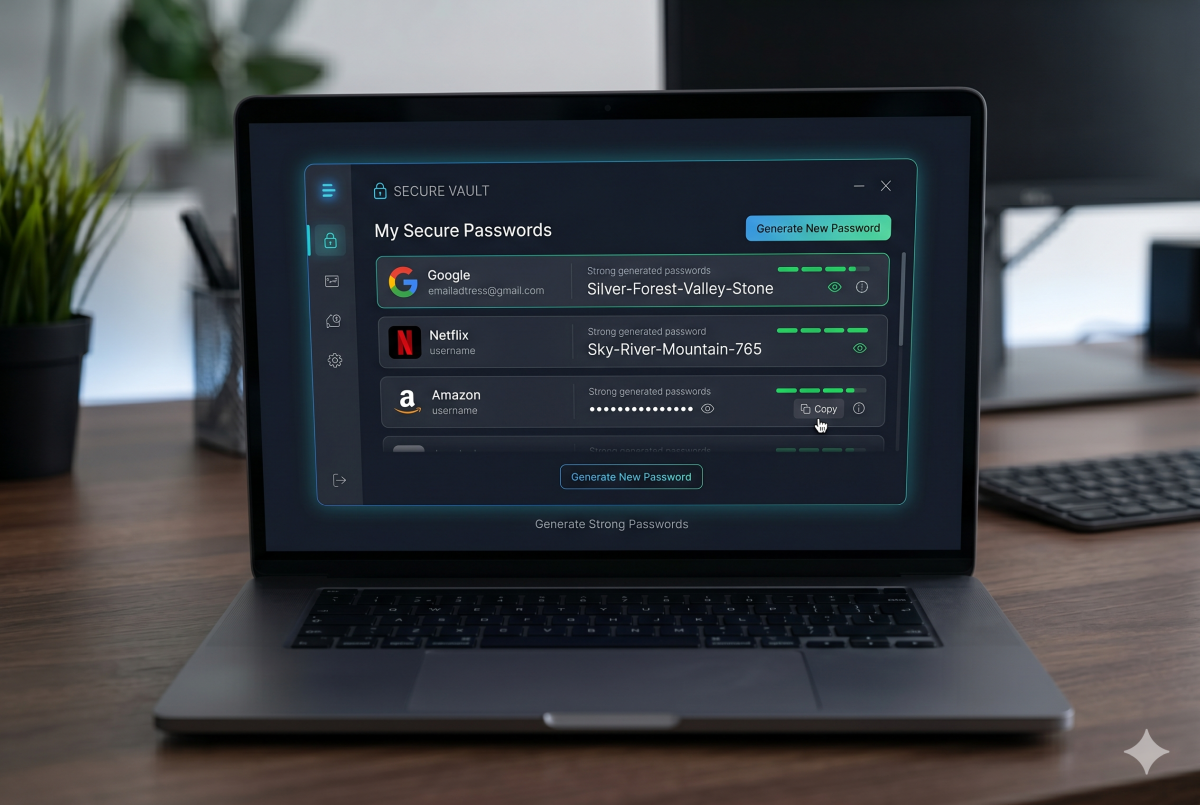
Password security advice has changed dramatically over the last decade. The guidance most people grew up with: change your password every 90 days, use uppercase letters and symbols, and never write it down has been replaced by a more practical and effective framework backed by research from NIST, the National Institute of Standards and Technology.
If your agency manages client websites, hosting accounts, or infrastructure, understanding modern password best practices is not optional. A single compromised credential can take down a site, expose client data, or hand an attacker the keys to an entire AWS environment. Here is what the current guidance actually says and how to apply it.
Length Beats Complexity
The single most important factor in password strength is length, not complexity. A 20-character passphrase made up of four random common words is significantly harder to crack than an 8-character password full of symbols and numbers.
The old model (“P@ssw0rd!”) looks complex but is trivially predictable to modern cracking tools because humans follow predictable substitution patterns. Attackers know that @ replaces a, 0 replaces o, and ! often appears at the end.
A passphrase like correct-horse-battery-staple (a concept popularized by security researcher Bruce Schneier and later XKCD) is both memorable and genuinely strong because its length creates an enormous number of possible combinations. Current NIST guidelines recommend a minimum of 15 characters for standard accounts and longer for privileged access.
The practical takeaway: push clients toward longer passwords. If a platform limits passwords to 8 or 10 characters, that is itself a security red flag worth flagging.
Stop Forcing Periodic Password Changes
One of the most persistent pieces of outdated security advice is the mandatory 90-day password rotation policy. NIST removed this recommendation in 2017 and for good reason.
When users are forced to change passwords on a schedule, they do not create stronger passwords. They create predictable variations of the previous one. Password1 becomes Password2, then Password3. The security improvement is essentially zero while the friction for legitimate users is real and ongoing.
Current guidance says passwords should only be changed when there is evidence of compromise, not on an arbitrary schedule. This applies to WordPress admin accounts, hosting credentials, email admin accounts, and AWS IAM users.
The exception is any account where a breach is suspected or confirmed. In that case, immediate rotation is essential and should extend to any account where the same password may have been reused.
Every Account Needs a Unique Password
Password reuse is the single most exploitable habit in the wild. When a data breach exposes credentials from one service, attackers immediately run those credentials against every other major platform in a technique called credential stuffing. If your client reuses the same password across their WordPress admin, cPanel account, and Google Workspace, a breach at any one of them exposes all three.
For agencies managing multiple client environments, the risk multiplies. A single set of shared credentials across several client accounts is a catastrophic single point of failure.
The only realistic way to maintain unique passwords across dozens or hundreds of accounts is a password manager.
Use a Password Manager
A password manager solves the unique password problem by generating and storing strong random passwords for every account. The user only needs to remember one strong master password. Everything else is handled by the tool.
For agencies and their clients, recommended options include:
1Password is widely used in agency and development contexts, with team features that allow secure credential sharing across staff without exposing the actual password. It also supports emergency access and auditing.
Bitwarden is open source, audited, and available as a self-hosted option for clients with strict data control requirements. The free tier is genuinely useful and the paid tier is inexpensive.
Dashlane and LastPass are also widely used, though LastPass suffered a significant breach in 2022 that affected encrypted vault data and has faced ongoing scrutiny.
For agencies, a team password manager is essential. Sharing credentials via Slack, email, or a shared spreadsheet is not a security practice, it is a liability.
Enable Two-Factor Authentication on Everything
A strong unique password is significantly more effective when paired with two-factor authentication (2FA). Even if a password is compromised, 2FA prevents an attacker from using it without also controlling the second factor.
Two-factor authentication comes in several forms, ranked here from least to most secure:
SMS codes are the most common and the weakest. SIM swapping attacks can intercept text messages, and SMS should be treated as better than nothing rather than as robust security.
Authenticator apps such as Google Authenticator, Authy, or 1Password’s built-in TOTP generator produce time-based one-time codes that rotate every 30 seconds and cannot be intercepted via SIM swap. This is the minimum recommended option for any account that supports it.
Hardware security keys such as YubiKey provide the strongest form of 2FA, requiring physical possession of the key to authenticate. For privileged accounts — AWS root, cPanel admin, domain registrar — a hardware key is worth the investment.
For WordPress sites specifically, plugins like WP 2FA or Google Authenticator make it straightforward to enforce two-factor authentication for admin accounts.
Never Reuse the Master Password
The one password that cannot be stored in a password manager is the master password itself. This password needs to be both extremely strong and completely unique. It should never appear in any other context and should never be written down in an insecure location.
A long passphrase works well here. Something with five or six unrelated words that forms a mental image is both strong and memorable without needing to be written down.
Watch for Breached Credentials
Even a strong unique password can be exposed through no fault of the user if a service they use suffers a breach. Have I Been Pwned (haveibeenpwned.com) is a free tool that checks whether an email address or password has appeared in known breach datasets. It is a useful resource to check periodically and to share with clients.
Most modern password managers also include breach monitoring that alerts users when stored credentials appear in known breach data.
What This Means for Agency-Managed Accounts
For agencies managing client infrastructure, these practices translate into a few concrete operational standards worth establishing:
All shared client credentials should live in a team password manager, never in email threads, Slack messages, or shared documents. Every privileged account — WordPress admin, cPanel, domain registrar, AWS — should have two-factor authentication enabled. Clients should be briefed on the risks of password reuse when onboarding. And any time a staff member leaves the agency, credentials they had access to should be rotated immediately regardless of the circumstances of their departure.
These are not complex changes. They are habits that, once established, significantly reduce the probability of a credential-based incident affecting your agency or your clients.
The Bottom Line
Modern password security is less about arbitrary complexity rules and more about length, uniqueness, and layered protection through two-factor authentication. A password manager makes all of it manageable. The agencies that establish these practices as standard operating procedure spend significantly less time dealing with compromised accounts and the client relationship damage that comes with them.
If you need help auditing and hardening the security posture of a client’s WordPress site or infrastructure, get in touch. Security is one of the services we take most seriously at DivyWeb.